
Create a component sheet
View prompt

Roblox inventory interface components for a Simulator game. Include item grid, category tabs, selected item details and action buttons. Use a playful cartoon visual direction with a fantasy theme. Components should be responsive layout that can reflow across screen sizes. Arrange distinct, fully visible UI components with generous space between them on a transparent background. No game scene, device frame, screenshot, mockup background, watermark, or overlapping parts. Keep any text labels short and legible.

Choose or drop a sketch

PNG, JPG or WebP · Up to 10 MB

Main component positions and hierarchy are preserved where possible.

Output sheet ratio
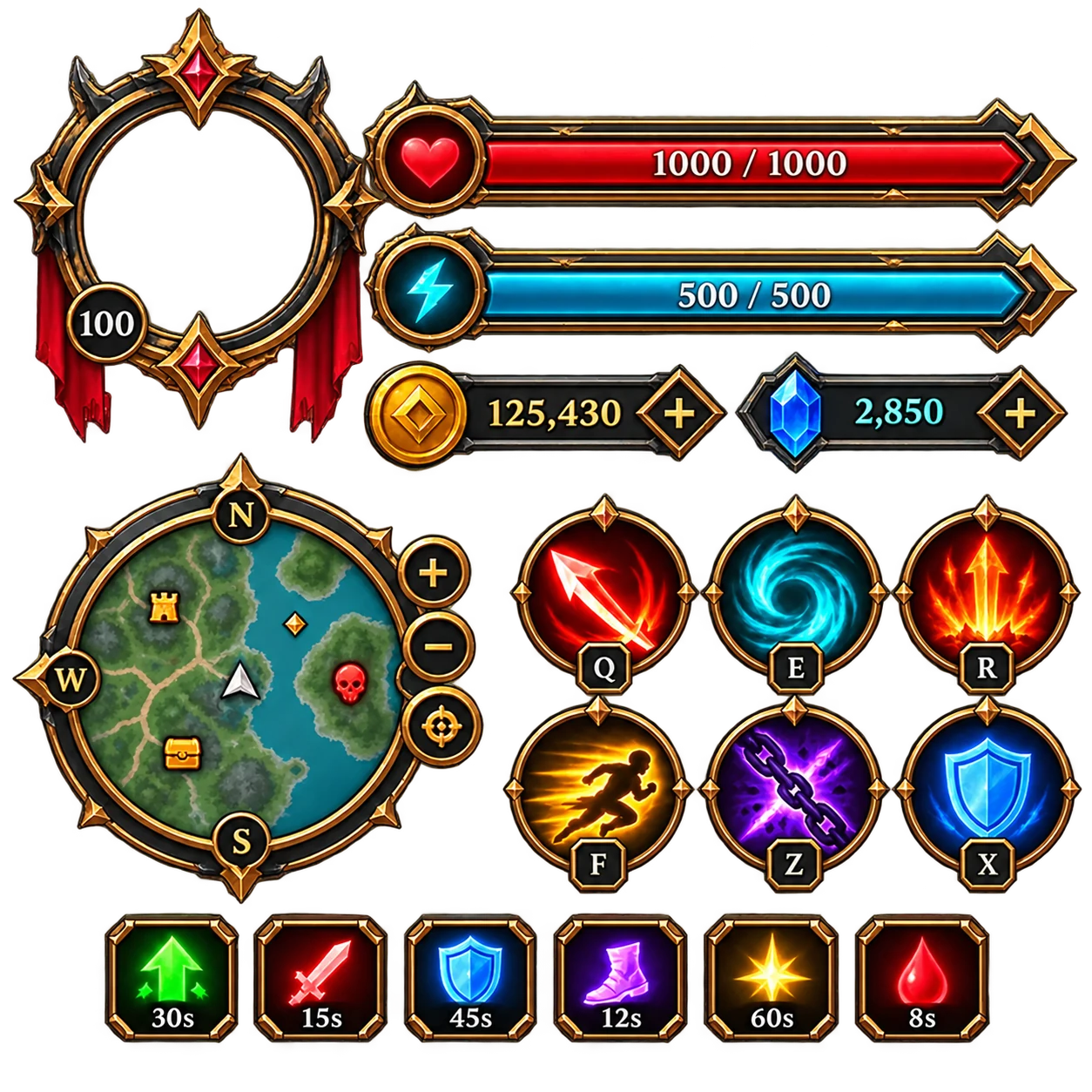
Transparent HUD component sheet example
HUD components
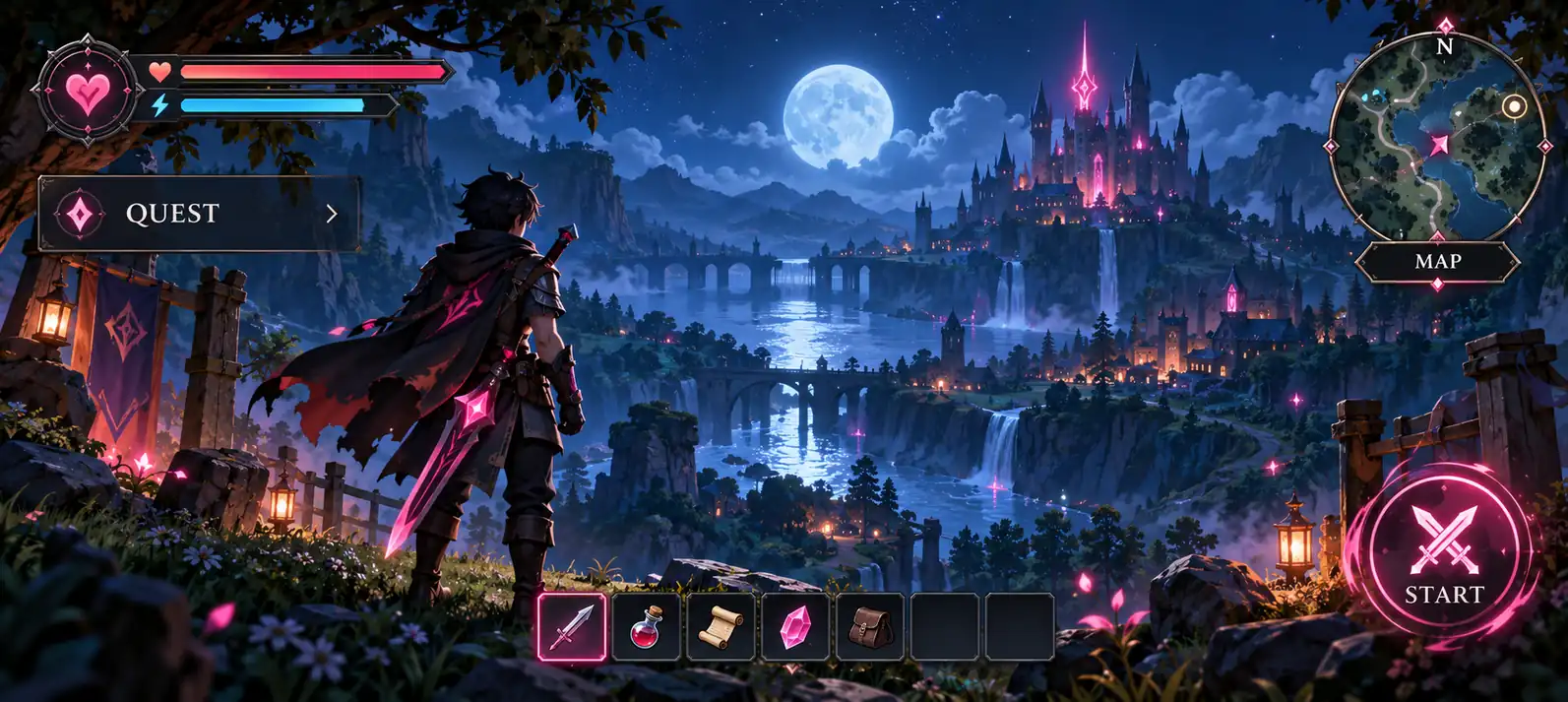
Original fantasy adventure game GUI concept with a quest tracker, status bars, inventory slots, minimap, and action button.

Free Roblox GUI Maker for Game UI Images

Describe the Roblox game screen you are planning, and RbxGUI turns the brief into a GUI image you can inspect. Start with a menu, HUD, shop, inventory, quest panel, or status display, then use the visual direction to discuss the look and priorities of your game interface.

Try It Free

Roblox GUI Maker features for clearer game screens

Plan a complete game screen

Bring the important parts of a screen into one visual brief: a player objective, supporting status, navigation, inventory or equipment, and the action players should notice. A GUI image makes the relationship between those parts easier to review with a teammate or keep beside your game design notes.

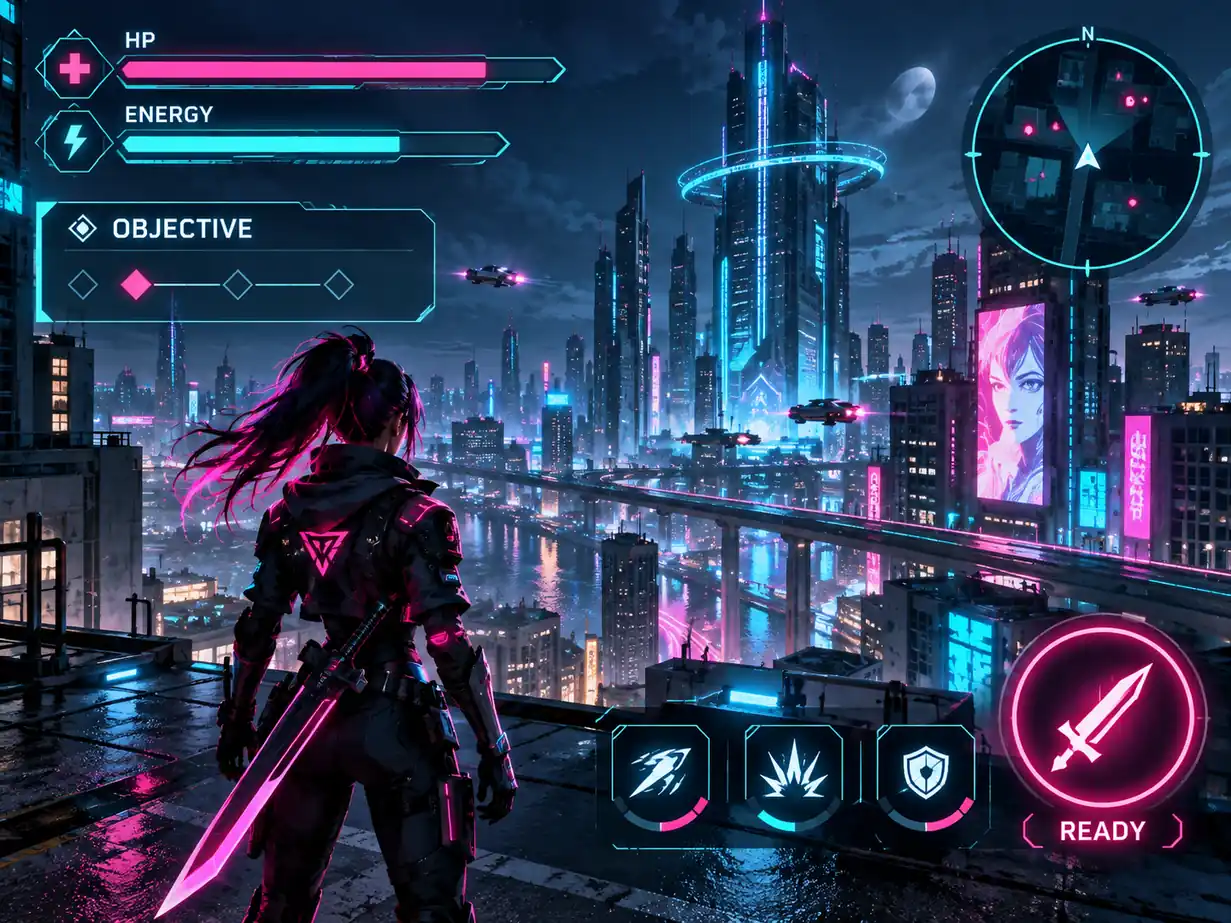
Sci-fi action game HUD concept showing an objective, health and energy meters, minimap, cooldown icons, and action area.

Explore a readable HUD direction

Describe the signals players need during play, such as health, energy, currency, a timer, a minimap, stage progress, or an active objective. RbxGUI gives you a visual HUD direction to inspect for hierarchy and emphasis before you spend time recreating the idea in your project.

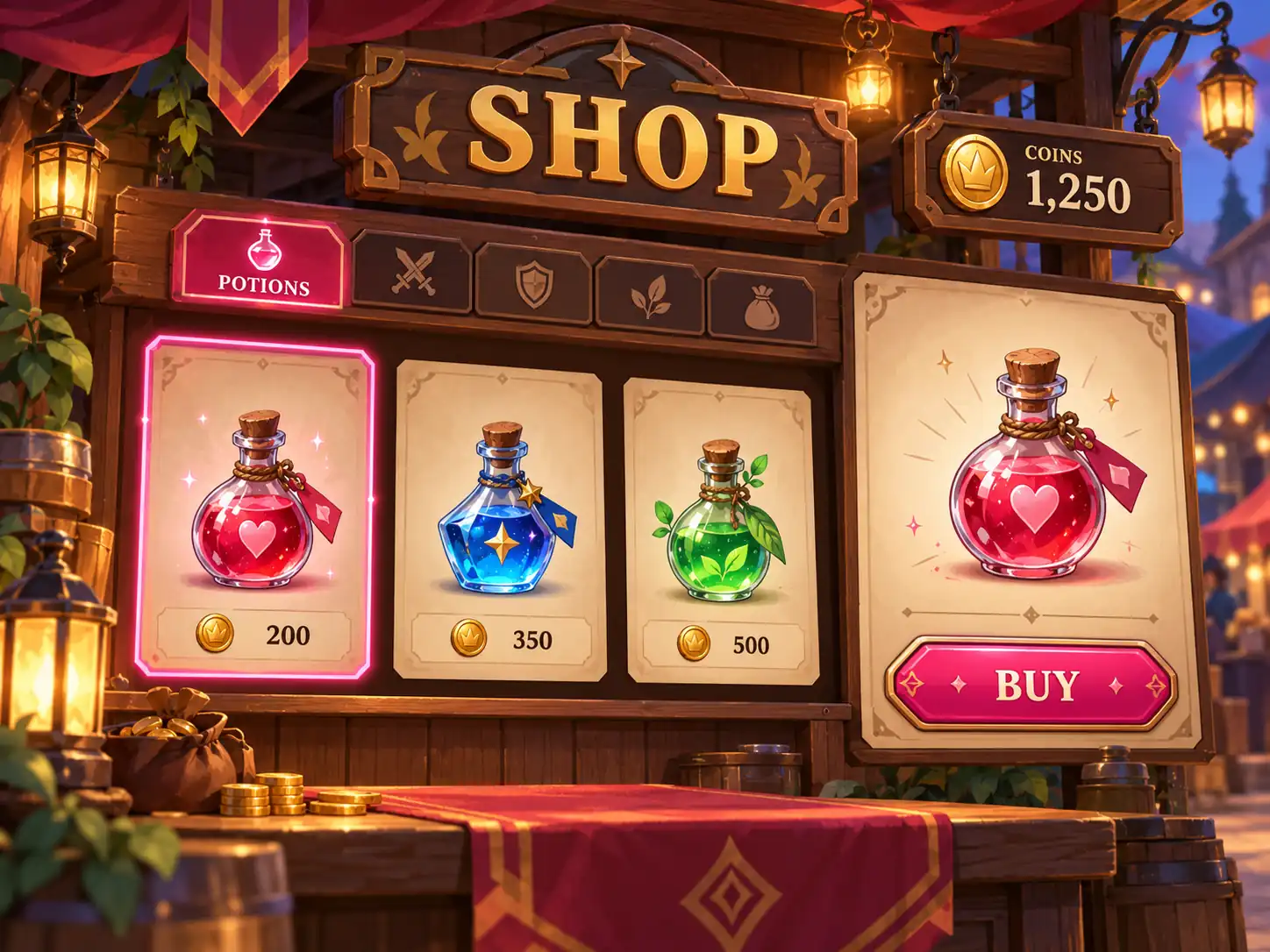
Cozy fantasy shop GUI concept with category tabs, item cards, prices, selected details, and a buy action.

Shape shop and inventory ideas

Use a short brief to explore item cards, categories, prices, equipment slots, selected item details, and a purchase action. The resulting image helps you compare the screen's visual rhythm and information density while the game interface is still a concept.

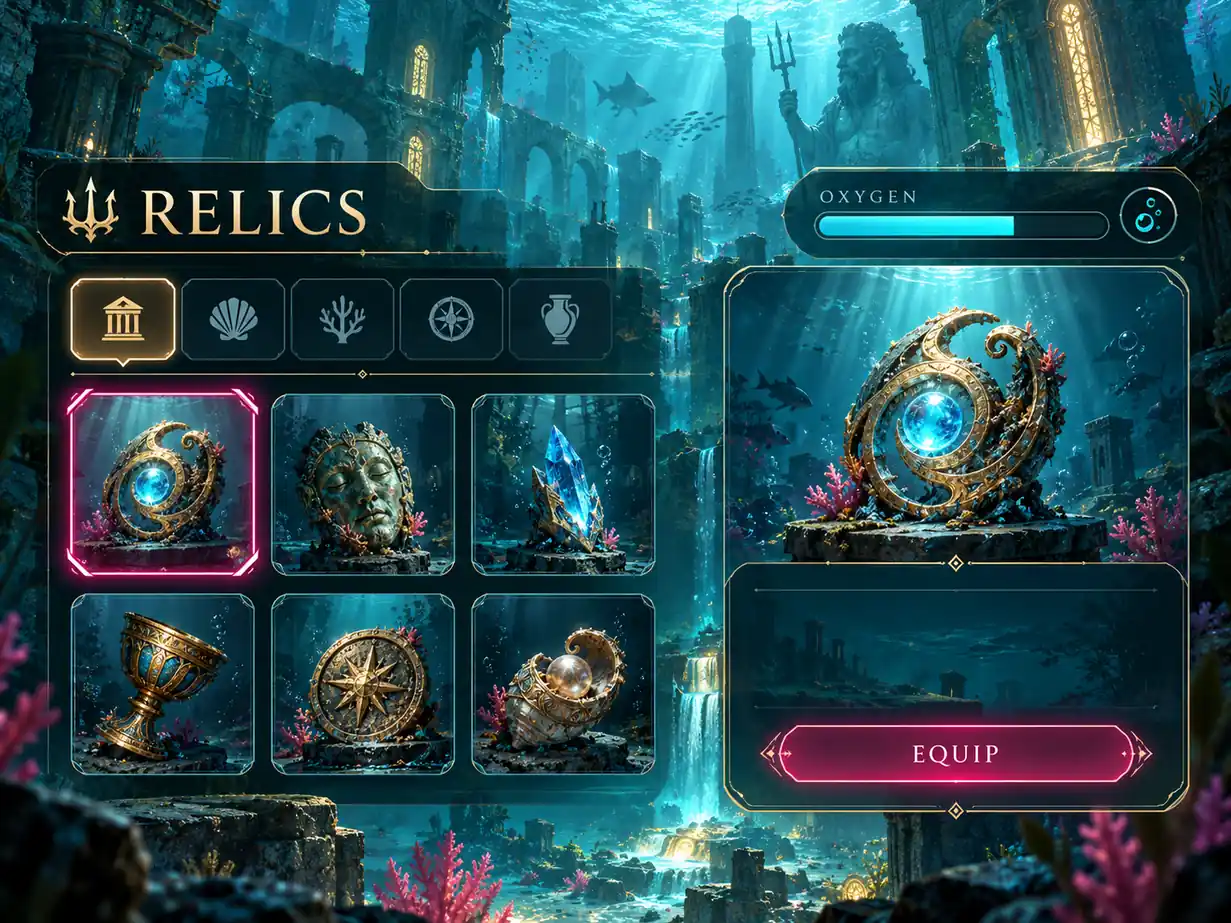
Underwater exploration inventory GUI concept with relic categories, oxygen meter, item slots, selected artifact details, and equip action.

How the Roblox GUI Maker works

01

Describe one screen and its player task

Name the screen, explain what the player is trying to do, and list the information that must stay visible. Add the game genre, visual mood, layout preference, and a few concrete components, such as item slots, an objective card, a minimap, or a primary action.

02

Generate a GUI image from the brief

Submit the description to RbxGUI and let the Roblox GUI Maker turn the written direction into an original game interface image. Keep the request focused on one screen so the visual hierarchy has a clear purpose.

03

Review the visual direction

Check whether the image communicates the right game mood, player priority, information order, and action emphasis. Use what you learn to refine your design discussion or prepare the next version of the screen in your own development workflow.

Roblox GUI Maker ideas for common game screens

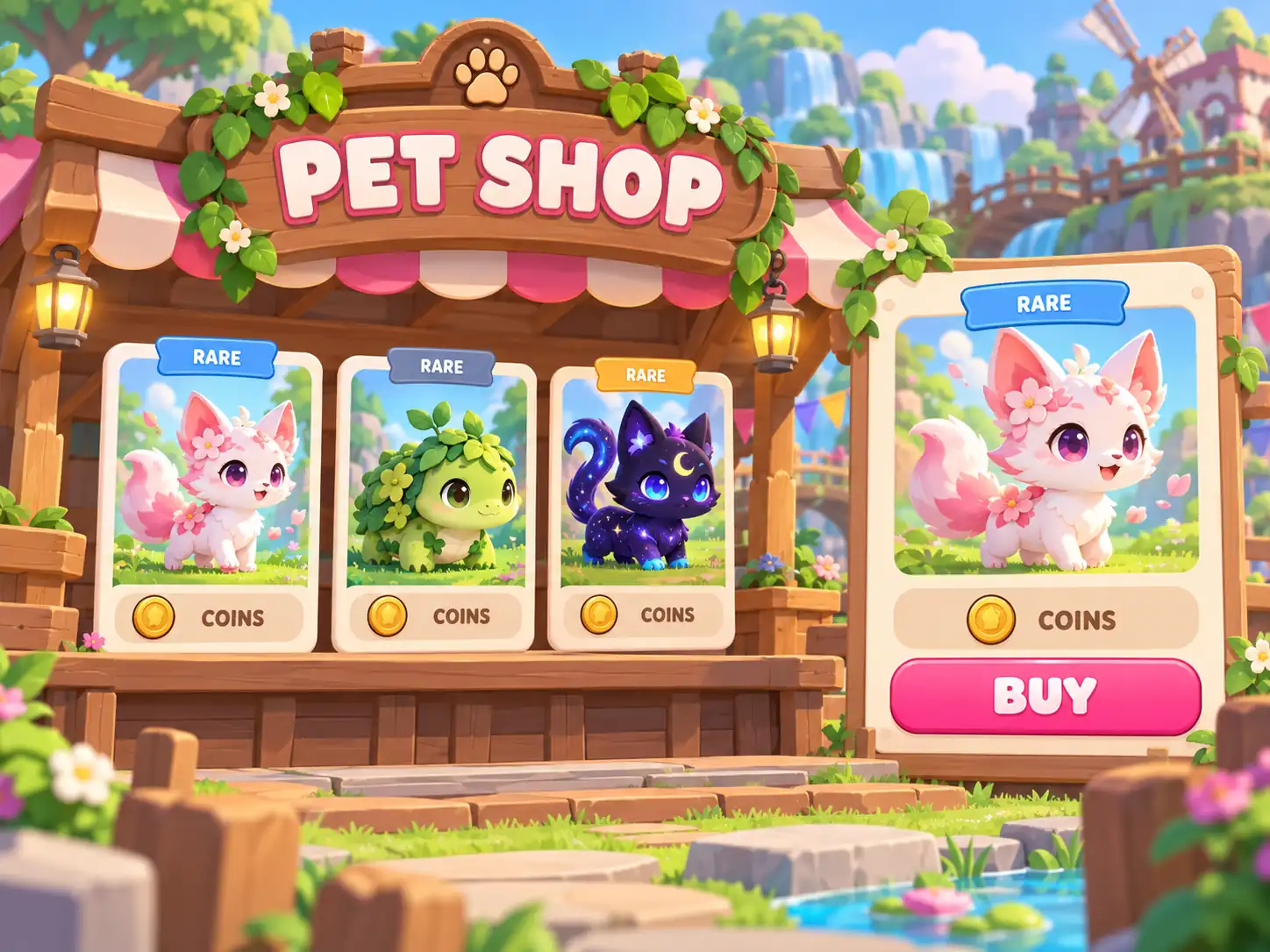
Pastel pet simulator shop GUI concept with pet cards, rarity badges, coin prices, selected pet details, and buy action.
01

A shop for a simulator game

Describe the items players can buy, how prices should be presented, which upgrade is selected, and where the purchase action belongs. A GUI image gives the shop a concrete layout and visual tone before you decide how the final game behavior will work.
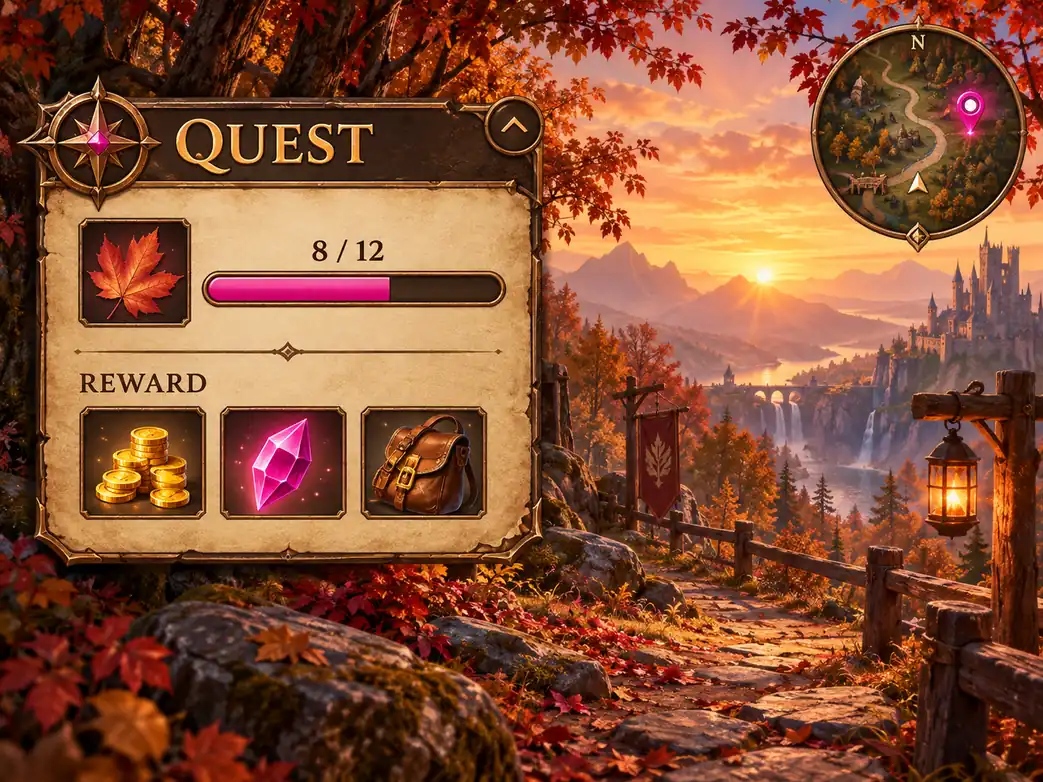
Adventure quest tracker GUI concept with objective progress, reward icons, map marker, and collapse control.
02

An inventory for an adventure game

Ask for equipment slots, item categories, a selected item panel, useful details, and a quick way to understand what is equipped. This is a practical way to compare information density and decide which details deserve attention in an adventure inventory screen.

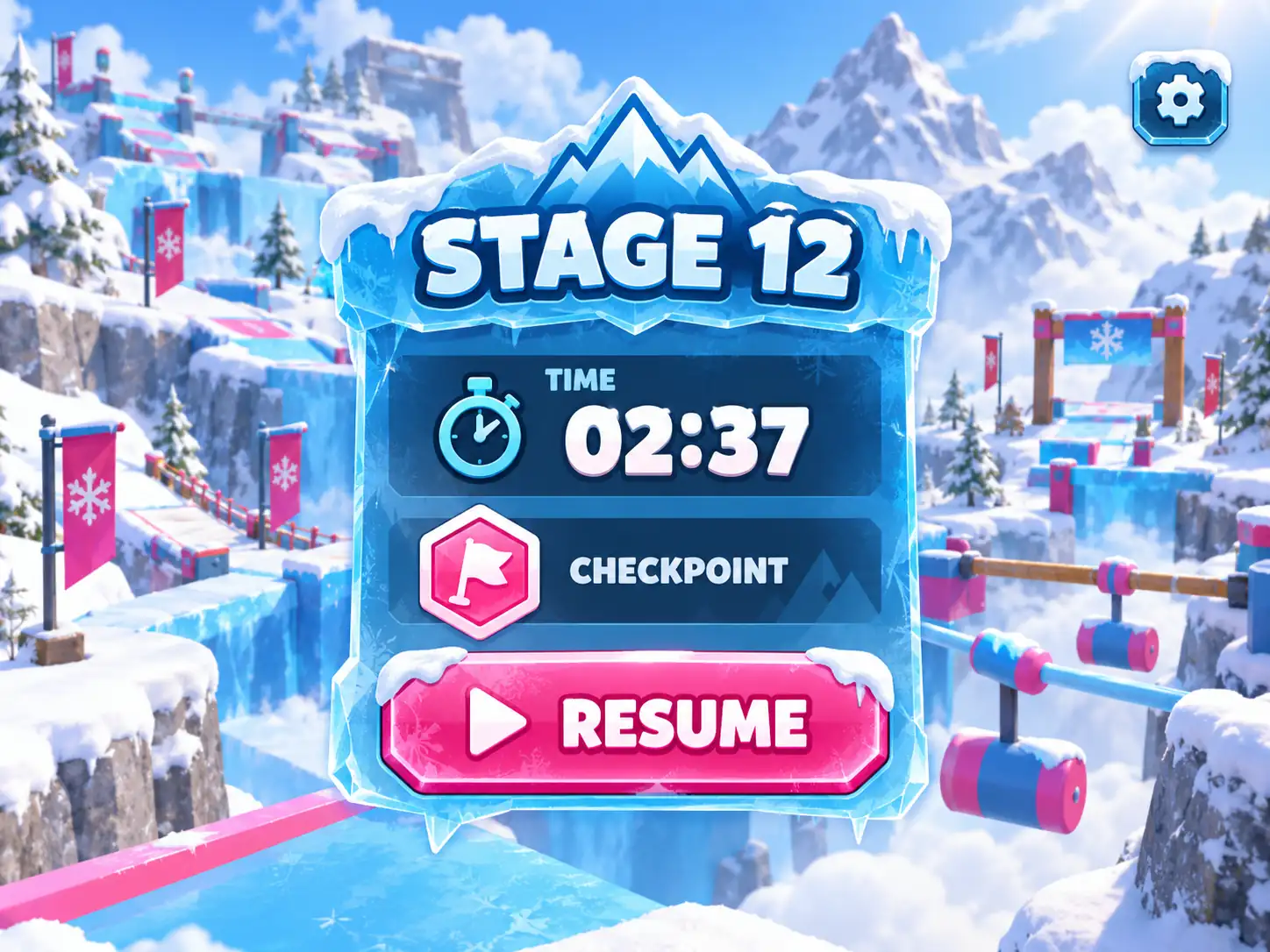
Snowy obstacle-course game progress GUI concept with stage number, timer, checkpoint badge, settings control, and resume button.
03

A progress screen for an action game

Bring stage progress, a timer, a checkpoint, a reward or objective, and the next player action into one visual brief. The image can help you judge whether the important signal remains visible while the game scene stays energetic.

Why use RbxGUI's free Roblox GUI Maker

A visual direction is useful before implementation: it gives a team something specific to review, revise, and compare against the player experience they want to create.

Start with a free tool

RbxGUI's Roblox GUI Maker is free to use. Turn a screen idea into a GUI image while you are still deciding on the layout, visual mood, and information hierarchy, without making detailed implementation choices too early.

Write the brief in your own words

Describe the game genre, screen purpose, player task, important values, visual references, and desired mood in plain language. A specific brief gives the image a more useful direction than a generic request for a game interface.

Make design conversations concrete

A generated image gives creators, artists, and developers a shared visual to discuss. Review what feels clear, what competes for attention, and which elements should be changed before you commit to a final in-game interface.

Roblox GUI Maker FAQ

Answers about the free text-to-GUI-image workflow.

Is RbxGUI's Roblox GUI Maker free to use?

Yes. RbxGUI's Roblox GUI Maker is free to use. Describe one game screen, such as a shop with item cards or a HUD with health and objectives, and generate a GUI image that gives you a visual starting point for the interface.

What does the Roblox GUI Maker create?

It turns a written screen description into an original GUI image asset. You can name the screen, player task, visible information, layout, and visual mood. The result is a visual concept for a game interface, not a working ScreenGui, editable Roblox hierarchy, or Luau script.

How should I write a Roblox GUI Maker prompt?

Name one screen and its purpose first. Then list the elements players must understand, such as health, currency, item slots, an objective, a minimap, or a purchase action. Add the game genre and visual style so the image has a focused direction instead of a collection of unrelated panels.

Can the Roblox GUI Maker create HUD images?

Yes. A HUD is a useful screen type to describe. Tell RbxGUI which values or actions should remain visible during play, such as health, energy, currency, stage progress, a timer, or an objective. The generated image helps you inspect the hierarchy and visual emphasis of that HUD idea.

Can I use it for a shop or inventory GUI?

Yes. Describe item cards, categories, prices, equipment slots, selected item details, and the action players should take. RbxGUI generates a GUI image of that concept so you can review the layout and visual tone before planning the final screen in your game.

Does the Roblox GUI Maker generate working Roblox code?

No. This workflow produces a GUI image from your description. It can guide the visual design and help your team discuss a screen, but it does not create executable code, working buttons, data binding, an editable ScreenGui, or a guaranteed Roblox Studio export. Those implementation steps happen separately in your project.

Try the Roblox GUI Maker for your next screen

Try the free Roblox GUI Maker with a focused description of the menu, HUD, shop, inventory, or progress screen your Roblox project needs.

Try It Free